

Tech Tip
-
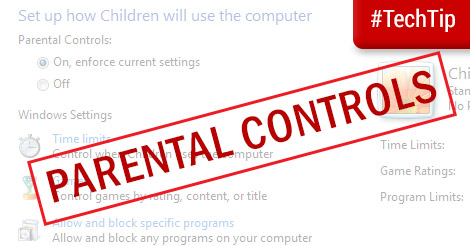
Tech Tip: Using Parental Controls in Windows
Not all content is appropriate for children and Windows provides a built in way for parents to restrict children’s access to the computer Parental Controls.
-

Tech Tip: Monitor System Resources
It’s useful to find out what is using up your computer’s system resources out of curiosity or when you are troubleshooting a problem. This can reveal the programs that are memory hogs or indicate when a hardware upgrade may be necessary.
-

Tech Tip: Mark unwanted emails as junk
Emails are a convenient form of communication but unsolicited emails can distract as well as offend email users. Besides cluttering your inbox, spam can link to malicious websites or scam offers aimed at enticing you to give up your financial information.
-
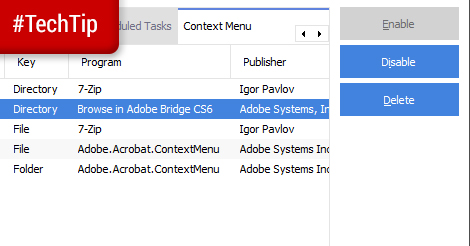
Tech Tip: Manage Context Menus with CCleaner
Context menus are those handy menus that pop up when you right click on Windows or control-click on a Mac. The content of these menus are specific to the area that is clicked and programs you install may modify the menu items that pop up in the context menu.
-

Tech Tip: Time Tracking with Toggl
Toggl has a very simple interface where you can describe the task, select the project it falls under and even associate the project with a client. You can start using Toggl as soon as you log in or set up your projects, clients and team before you start using the web application.
-
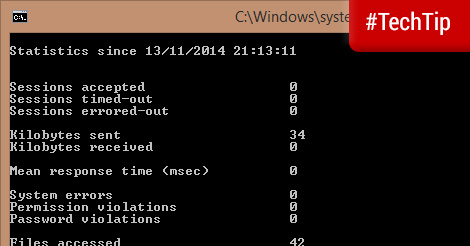
Tech Tip: Check when you last restarted Windows
If you keep your PC on for long periods or make it hibernate instead of shut down you may lose track of when last you restarted Windows.
-
Tech Tip: Use Two Factor Authentication for more secure logins
Two factor authentication is a form of multi-factor authentication that requires two distinct forms of identification before a user is granted access to something.
-
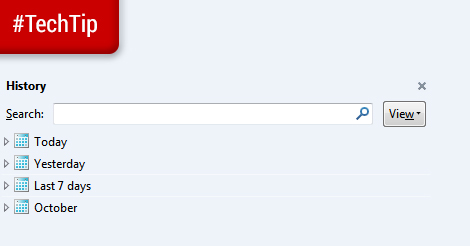
Tech Tip: Use browser history to find forgotten websites
Have you ever wanted to visit a site that you recently visited but could not remember the address and did not bookmark it? It may have been an interesting article you ran across in a rush or an ad for a product you have been interested in for a long time.
-

Tech Tip: Add album art to your digital music files
Album art may seem trivial to some but these pictures add life and colour to a digital music collection. Modern media players can display this album art while the song is playing and some can even download the correct album art for you
-
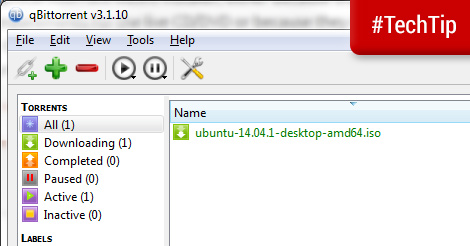
Tech Tip: qBittorrent – a minimalist BitTorrent client
BitTorrent is a popular method of peer-to-peer filesharing that allows you to download a single file from multiple sources. This is great for downloading large files since downloads can be paused and resumed.